Import from Spindle\Table\Filters and pass definitions to Table::filters(). Filter names and values are validated before queries run. Filtering callbacks are nested in WHERE groups so custom orWhere() conditions do not escape the base tenant scope. Callbacks must still avoid deliberately removing scopes or running unrelated queries.
Filter::make('featured')->query(fn (Builder $query) => $query->where('is_featured', true));
SelectFilter::make('status')->options(['draft' => 'Draft', 'live' => 'Live'])->multiple();
TernaryFilter::make('active'); // all / true / false; false is a real filter
TernaryFilter::make('verified_at')->nullable(); // all / not null / null
RangeFilter::make('amount');
RangeFilter::make('created_at')->date();
TrashedFilter::make(); // active only / with deleted / only deleted
All filters support label(), default(value), meta(), type(), and query(fn (Builder $query, mixed $value) => ...). The plain checkbox Filter ignores false; a ternary filter does not. rules([...]) configures validation for a custom Filter; specialized built-in filters have their own validation.
SelectFilter validates option keys. multiple() accepts at most 100 keys. relationship('owner', 'id') constrains a relationship rather than the base table. Populate options() server-side with an authorized, bounded list, and add searchable() for local search. Use remote options for larger datasets. Options keep the order you give them, also when some are selected (a selected option missing from a limited list is appended at the end) and while searching, which narrows the list without re-ranking it. Option search matches every word and allows one typo in longer words, like the table search. The payload carries that order in meta.optionOrder, because JavaScript would otherwise list numeric keys such as IDs in numeric order.
Ranges accept {from, to} and apply inclusive bounds. Missing bounds are ignored. Dates must use YYYY-MM-DD. For efficient timestamp filtering with an index, use a custom range callback that translates dates into start/end timestamps rather than wrapping the column in a date function.
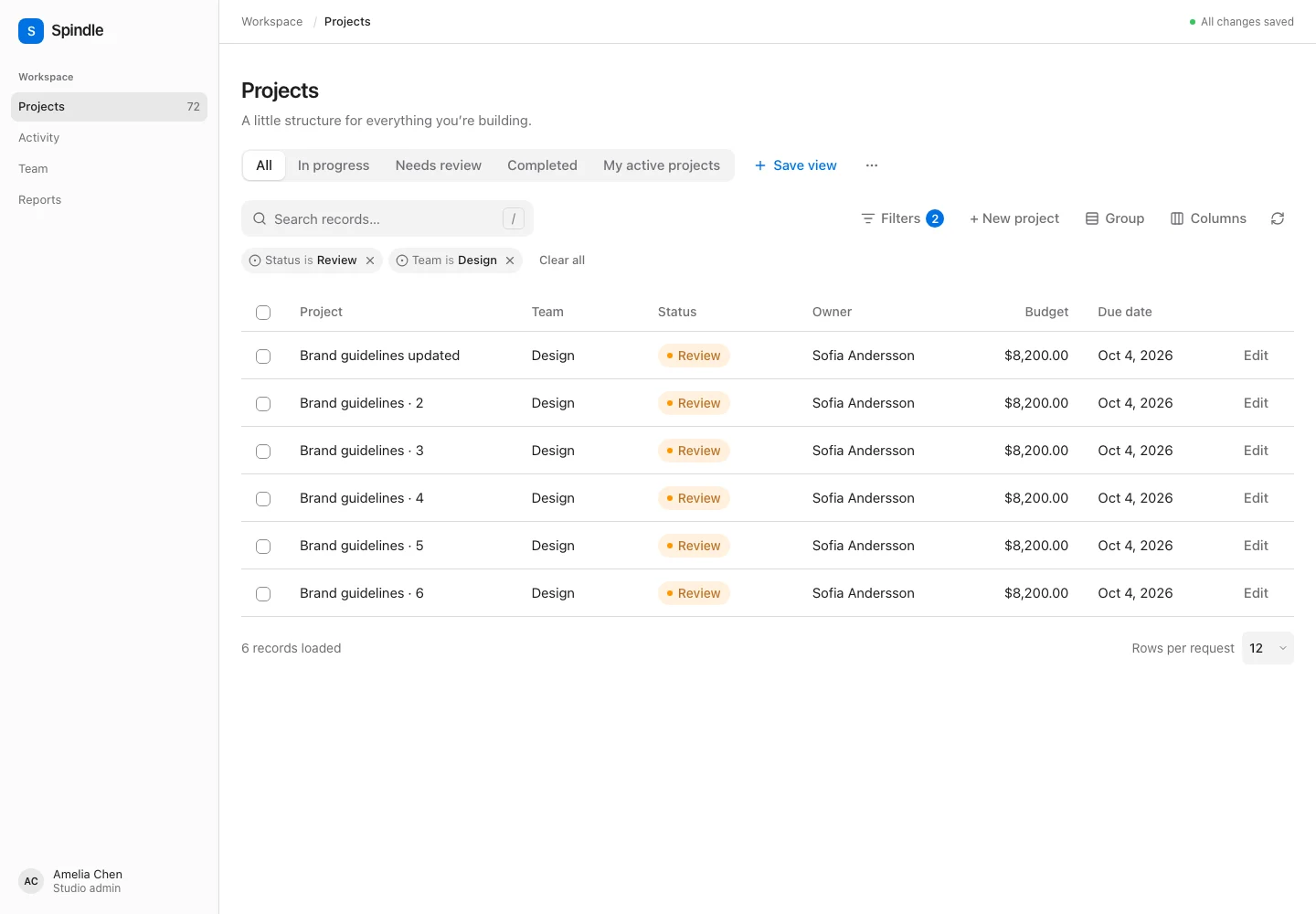
Advanced query builder
QueryBuilder::make('rules')->constraints([
    Constraint::make('name'),
    Constraint::make('budget')->numeric(),
    Constraint::make('created_at')->date(),
    Constraint::make('active')->boolean(),
    Constraint::make('status')->options(['draft' => 'Draft', 'live' => 'Live']),
]);
The Svelte editor supports nested ALL/ANY groups and explicit Apply/Clear controls. The server allows at most 50 rules and five nesting levels. Text constraints support contains/not-contains, starts/ends with, equals/not-equals and null checks. Numbers/dates support comparisons and null checks. Select/boolean constraints support equality and null checks. Empty means SQL NULL; use a custom query callback to also treat empty strings as empty. String search supports SQL wildcard semantics; values remain bound parameters.
Constraint names and operators are allowlisted. Constraint::query(fn (Builder $query, string $operator, mixed $value) => ...) supports domain-specific behavior after validation. Dotted constraint fields use relationship queries.
Wire shape:
{"operator":"and","rules":[
  {"field":"budget","operator":"gte","value":10000},
  {"operator":"or","rules":[
    {"field":"status","operator":"eq","value":"draft"},
    {"field":"name","operator":"contains","value":"launch"}
  ]}
]}
Custom filters
Filter::make('priority')
    ->type('priority-slider')
    ->rules(['nullable', 'integer', 'between:0,5'])
    ->meta(['min' => 0, 'max' => 5])
->query(fn (Builder $query, $value) => $query->where('priority', '>=', $value));{#snippet priority(filter, value, setValue)}
<label>
{filter.label}
<input type="range" min="0" max="5" value={Number(value ?? 0)}
onchange={event => setValue(Number(event.currentTarget.value))} />
</label>
{/snippet}
<Table table={projects} prop="projects" filters={{ 'priority-slider': priority }} />The snippets receive (Filter, Json, setValue). Standard filters apply immediately; the advanced query builder keeps a local draft until Apply. A custom renderer can hold drafts and call the headless setFilters() once to apply several filters together. Filter indicators remove one filter without resetting other state. Default filters are restored by the All records/reset action.
Remote select options
$table = Table::make('projects')
    ->query(Project::whereBelongsTo($request->user()->team))
    ->columns([TextColumn::make('name')])
    ->filters([
        SelectFilter::make('owner_id')
            ->label('Owner')
            ->optionsQuery(fn () => User::whereBelongsTo($request->user()->team))
            ->optionsLimit(30),
    ]);

return Inertia::render('Projects', $table->toProps());
optionsQuery() takes a query factory, label attribute (default name) and key attribute (default id). It enables search and resolves selected labels through the same scoped source. Scope this source independently: the table’s query does not automatically authorize option records. It can be combined with relationship(), multiple() and preload().
toProps() supplies the scroll prop and a native optional projectsOptions prop. Search requests only that optional prop, so they do not fetch rows, calculate summaries, reset scroll or change the visible URL. To name the table prop differently, use toProps('results') and <Table prop="results">; the options prop remains tied to the table’s name. You can also include optionsProp() explicitly alongside toProp().
Search is debounced and superseded requests are canceled. Results are limited to 50 by default, with optionsLimit() capped at 100. Selected labels are returned even if they do not match the current search. Every submitted value is validated against the scoped option source. preload() includes an empty-search result on initial render; otherwise only selected labels are sent initially.
For an external source, configure both callbacks:
SelectFilter::make('customer')
    ->getSearchResultsUsing(fn (string $search, int $limit) => $directory->search($search, $limit))
    ->getOptionLabelsUsing(fn (array $ids) => $directory->authorizedLabels($ids));
Both callbacks return id => label arrays. The label callback is required for remote selection validation. Headless renderers can use controller.searchFilterOptions(filter, search, selectedIds) and cancelFilterOptions(filter); option requests have their own loading/error state and do not set the table’s busy flag.
Filter controls and placement
$table->filtersLayout('above-collapsible')
    ->filtersColumns(2)
    ->deferFilters();
Layouts are panel (the default expandable panel), dropdown, above (always visible), above-collapsible, below (below the data), modal, and slide-over. Overlays use filtersWidth(760) and filtersMaxHeight(600) in pixels and fit the viewport. filtersColumns(1..6) controls the desktop grid; the prebuilt renderer uses one column on narrow screens. Labels and buttons use the existing per-table translation overrides.
Filters apply immediately by default. deferFilters() stages input until Apply filters, sending all changes in one native Inertia visit. Unapplied values do not affect rows, summaries, bulk selection, exports, or saved views. Clear filters stages an empty set; Reset filters stages the server defaults; Discard changes restores the applied values. In live mode clear/reset apply immediately.
Closing a dropdown/modal retains its draft while the table remains mounted. In the prebuilt table, choosing a saved view or the All tab discards unfinished control drafts. Loading more rows or polling preserves drafts. A change to the applied filters, such as applying a saved view or navigating to different filter state, replaces that filter draft. The built-in query builder uses the outer Apply button in deferred mode. Remote select option searches still make their isolated optional-prop requests; they do not apply filters or reload the table data.
For a custom UI, use createTableControls(controller) from the headless core or the exported Svelte FiltersPanel. See headless preference drafts.